

Write SQL in the editor
Every report is a SQL query over your synced datasets. Templates write the query for you; the SQL editor lets you write or change it yourself.
If you don’t see this menu or button, your role doesn’t include it. Ask someone who can edit roles (Owners and Admins by default).
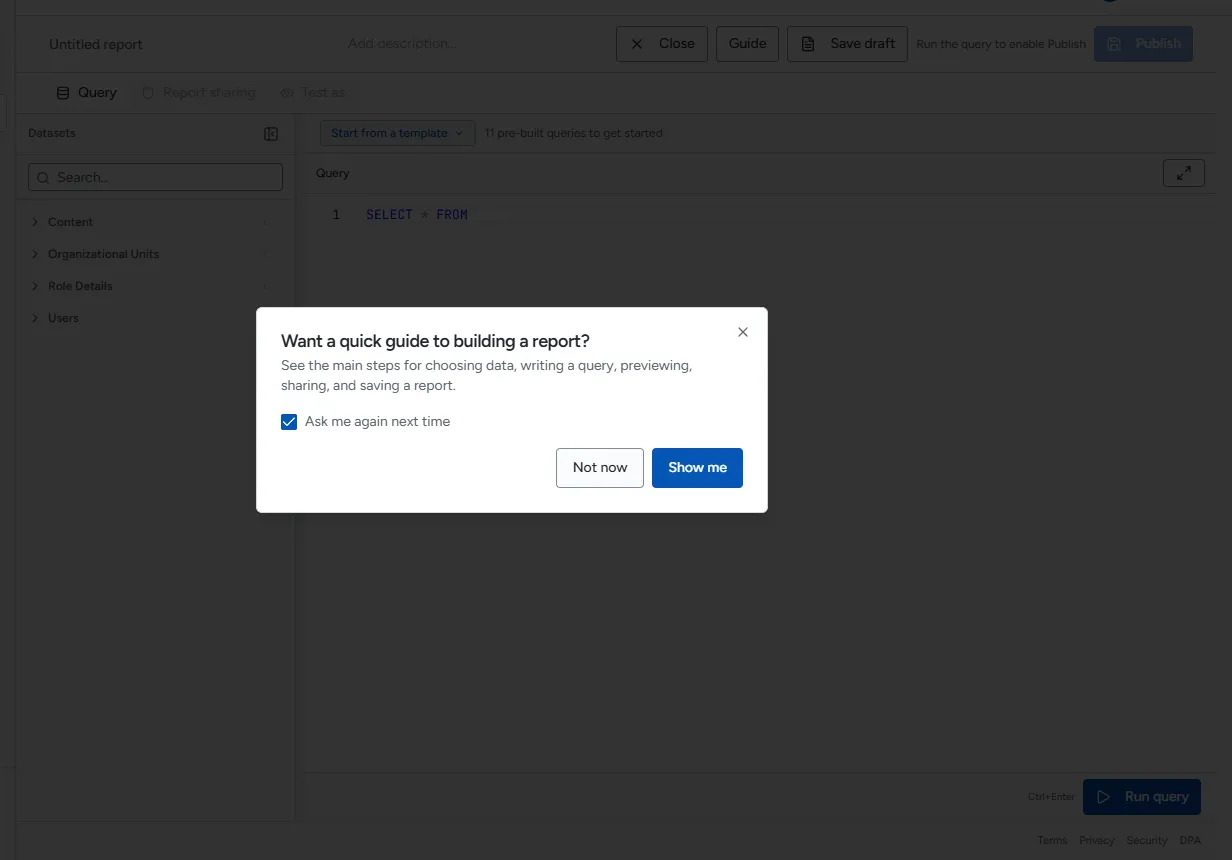
Find datasets and columns
Section titled “Find datasets and columns”The Datasets list on the left of the Query tab shows every synced dataset, grouped by category, with its column count.
- Type in Search… to filter the list.
- Select a dataset to see its columns. Columns that hold personal information are marked PII.
- To add a dataset’s name to the query at the cursor, hover the dataset and select the insert button. To add a column name, select the column.
In a query, a dataset’s name is written without spaces: the Course Access dataset is
CourseAccess, and User Enrollments is UserEnrollments. Inserting from the list always writes the right
name. A dataset marked not synced has no data yet; see Manage datasets.
Write and run a query
Section titled “Write and run a query”-
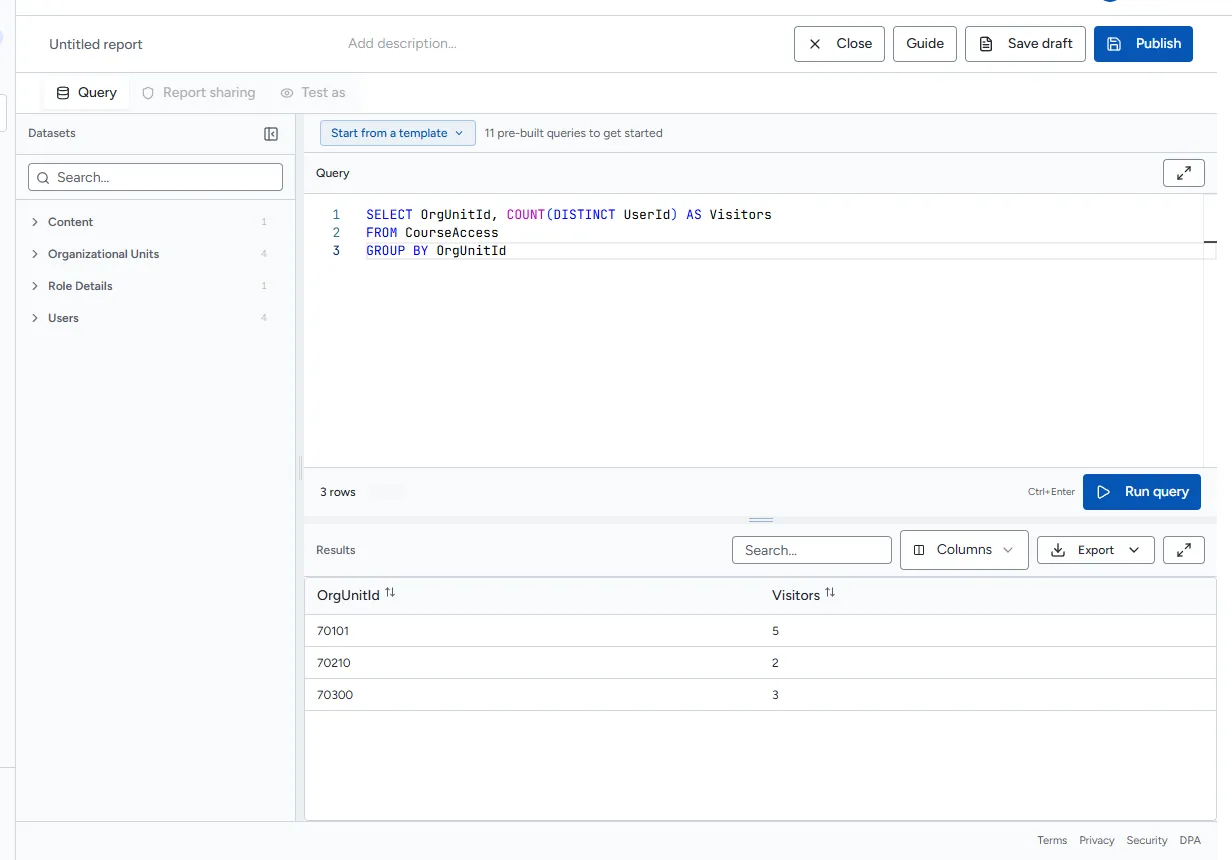
Type your query in the editor. For example:
SELECT OrgUnitId, COUNT(DISTINCT UserId) AS VisitorsFROM CourseAccessGROUP BY OrgUnitId -
Select Run query, or press Ctrl+Enter. Select Cancel to stop a long run.
-
The results appear below the editor with the row count and how long the query took.
What a query may contain
Section titled “What a query may contain”- One statement, starting with
SELECTorWITH. - Only your synced datasets as tables. File paths, web addresses and system functions are refused.
- Parameters written as
{{name}}. See Parameters.
A query runs for at most 2 minutes. If it times out, add filters or narrow the date range.
Include the columns insight widgets need
Section titled “Include the columns insight widgets need”- To use a report in an insight widget, include an
OrgUnitIdcolumn so Rowseta can limit it to one course. For “each viewer’s own records”, also includeUserId.
When a query fails
Section titled “When a query fails”The error appears below the editor. When Rowseta knows where the problem is, it shows the line with a caret under the problem and Go to line to jump there. The editor underlines the same spot. Common causes:
| What you see | Usual cause |
|---|---|
| A syntax message | A typing mistake, such as a missing comma or bracket |
| A message naming an unknown column or table | A misspelled name, or a dataset that is not synced |
| a referenced dataset is not available. Check that it is enabled and synced | The dataset is disabled or has not synced yet |
| query timed out | The query ran longer than 2 minutes |
See Troubleshooting reports for common messages.