Owners
The person who creates the Organization is its first Owner. Its default grants and fixed protections are on Roles and permissions.
If you don’t see this menu or button, your role doesn’t include it. Ask someone who can edit roles (Owners and Admins by default).
Rules for Owners
Section titled “Rules for Owners”See the fixed Owner protections before changing an Owner’s role or account state. See Brightspace launch members for launch lift steps.
Add another Owner
Section titled “Add another Owner”- Open Settings > People and select the person.
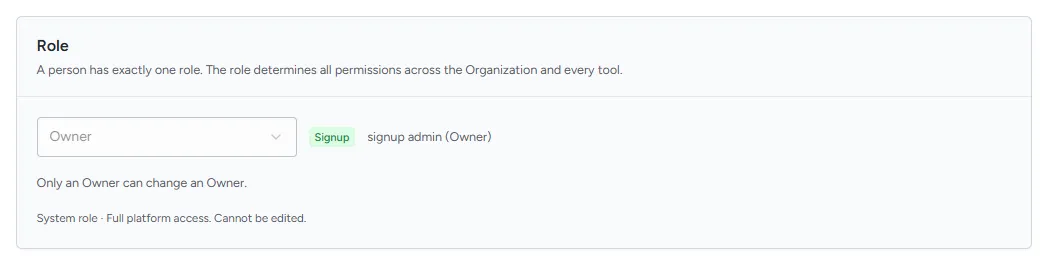
- Under Role, choose Owner.
- Confirm by typing the role name.
For a Brightspace launch member, see the fixed launch lift rule.
Hand over ownership
Section titled “Hand over ownership”- Make the new person an Owner (above).
- Ask them to sign in and change your role to another role, if you no longer need to be an Owner.