

Export results
Export a report’s results
Section titled “Export a report’s results”If you don’t see this menu or button, your role doesn’t include it. Ask someone who can edit roles (Owners and Admins by default).
- Open the report and select Run.
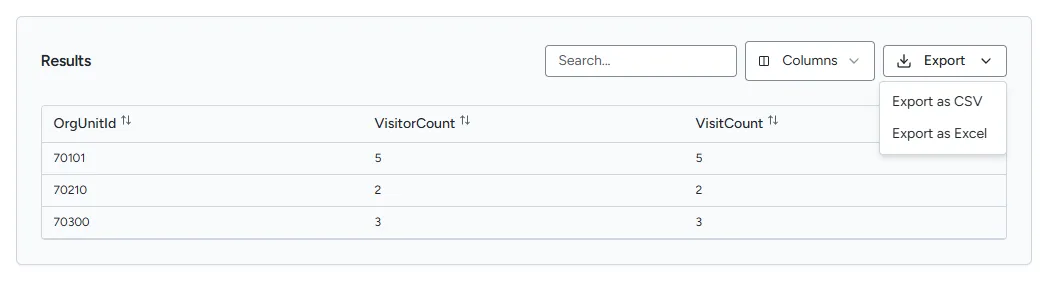
- Optionally hide columns with Columns. Only the columns shown in the table are exported.
- Select Export, then Export as CSV or Export as Excel.
The file downloads as results.csv or results.xlsx. It contains the rows you are allowed to
see: the same rows and columns as the table, after access limits and anonymisation.
Export rows from a widget’s details
Section titled “Export rows from a widget’s details”In View details, select Download CSV above the table when the button appears. The export is unavailable when the details page cannot open. See What insight widgets are.
Export the People list
Section titled “Export the People list”Use Export CSV on the People page to download the list. See Manage people.